ILM Sync
Global Admin functions
These functions are available only to Global Admin users. If you are not a Global Admin, you can skip this section.
Use ILM Sync to synchronize information between iLOQ Manager and SOC Manager®.
When elements such as locks, key fobs, persons, or security accesses are added or modified directly in iLOQ Manager, the corresponding synchronization functions can be used to update the information available in SOC Manager.
Administrative Function
Under normal circumstances, you should not need to access or use the ILM Sync functions.
Before performing any synchronization, please consult your administrator or the Midwest Security Products Technical Support department for assistance.
Open ILM Sync
From the Global Administration menu, select ILM Sync. The S50 ILM Sync screen opens.
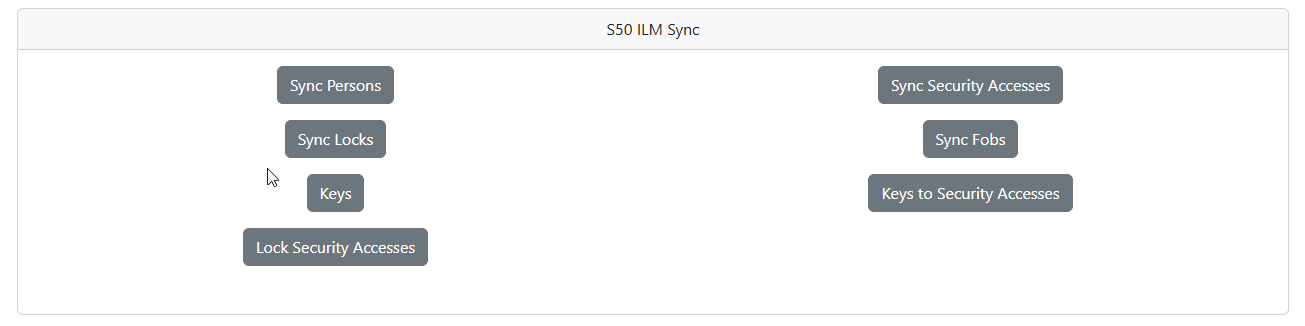
Synchronization Options
The S50 ILM Sync screen provides the following synchronization functions:
| Function | Description |
|---|---|
| Sync Persons | Synchronizes person records from iLOQ Manager. |
| Sync Locks | Synchronizes lock information from iLOQ Manager. |
| Keys | Synchronizes key information from iLOQ Manager. |
| Lock Security Accesses | Synchronizes the security accesses associated with locks. |
| Sync Security Accesses | Synchronizes security access definitions from iLOQ Manager. |
| Sync Fobs | Synchronizes key fob information from iLOQ Manager. |
| Keys to Security Accesses | Synchronizes the relationships between keys and security accesses. |
When to Use ILM Sync
ILM Sync may be required when changes are made directly in iLOQ Manager and the corresponding information needs to be reflected in SOC Manager.
Examples include:
- A new lock is added in iLOQ Manager.
- A new key fob is created in iLOQ Manager.
- New security accesses are configured.
- Person or key information is changed.
The appropriate synchronization function can be used to retrieve the updated information from iLOQ Manager.
Contact Your Administrator
ILM Sync is intended for administrative maintenance and troubleshooting.
Do not perform synchronization operations unless instructed by your administrator or the Midwest Security Products Technical Support department.
Synchronization Direction
ILM Sync retrieves information from iLOQ Manager into SOC Manager.
These functions do not replace the normal key issuance and management functions available in SOC Manager.